
Connect to Zwift
Linking Zwift keeps your racing numbers current without you typing anything.
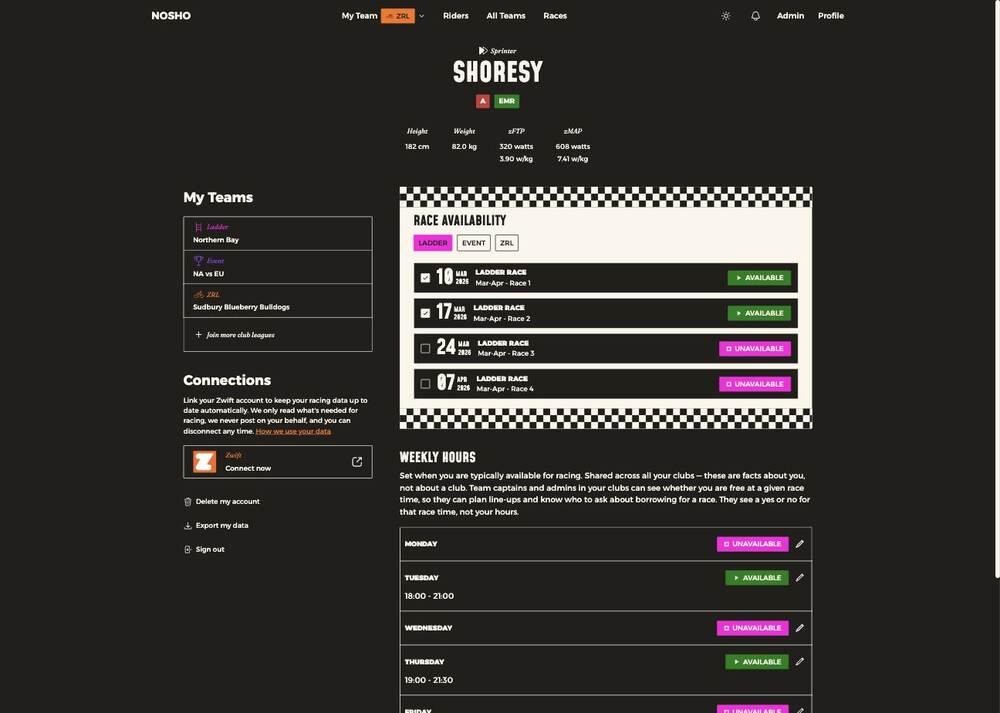
On your Profile, under Connections, link your Zwift account.
What it does
Keeps your racing data — zFTP, zMAP, weight, category — up to date automatically. Your captain then picks line-ups from real current numbers rather than something you typed in months ago.
It also fills in the columns other people use to judge whether to pick you. An unconnected rider shows dashes where everyone else has numbers.
What it doesn't do
✅ In the app's own words
"We only read what's needed for racing, we never post on your behalf, and you can disconnect any time."
There's a How we use your data link beside it if you want the detail before connecting.
Disconnecting
Same place, any time. Your existing numbers stay as they were at the point you disconnected — they simply stop updating.